


Website Development Checklist for Small Businesses
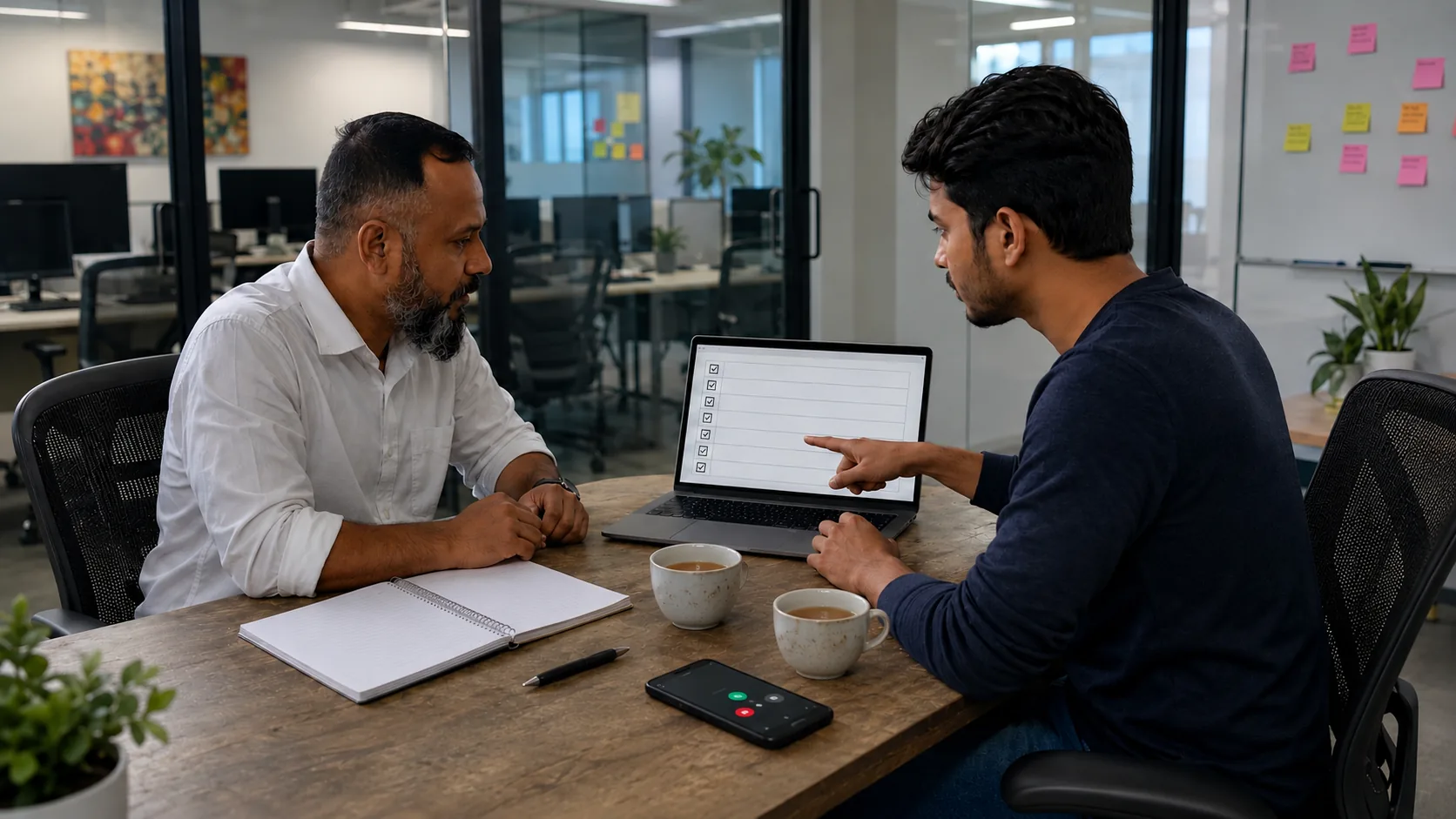
Most website problems start before the design begins.
A business owner says, “I need a website.” The developer asks for content. The owner sends a logo, a few photos, and says, “Make it modern.” Then the project slows down because nobody has decided what the website is actually supposed to do.
Start with the main goal. Should visitors call, send WhatsApp messages, request a quote, book an appointment, visit your showroom, or buy online? A restaurant in Dhanmondi, a coaching center in Uttara, and a supplier in Gazipur do not need the same website. Pick the main action first. The design should support that action.
Next, think about the customer. Are they local or overseas? Do they prefer Bangla, English, or both? Are they comparing you from a phone? What do they ask before buying? For many Bangladeshi businesses, mobile matters more than desktop. Buttons must be easy to tap. WhatsApp and phone links must work. Long paragraphs need cutting.
Plan the pages before development. A small business website usually needs home, about, services, service detail pages, portfolio or gallery, FAQ, and contact. If you offer several services, do not hide everything inside one paragraph. Give important services their own section or page.

Prepare content early. Collect your logo, service list, office address, phone number, WhatsApp number, email, photos, testimonials if approved, FAQs, and basic policy text. Content delays websites more than design. Do not copy competitors. Write plainly. Say what you do, who you help, and how the process works.
Keep the design clean. A business website should not feel like a festival poster. Use readable text, simple navigation, consistent colors, proper spacing, real photos where possible, and clear buttons. Avoid heavy sliders, tiny fonts, and popups that block the screen.
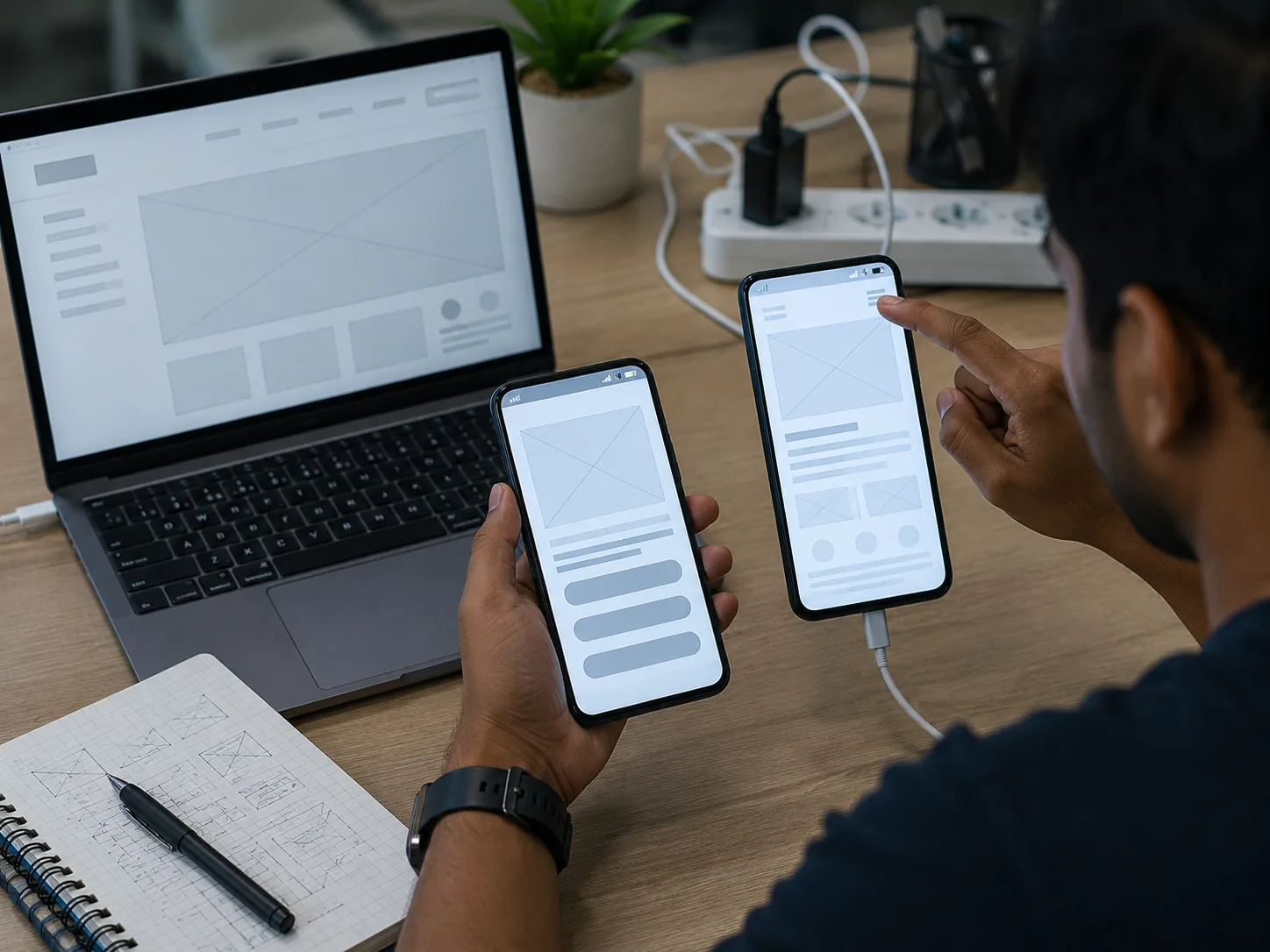
Check mobile before launch. Open the site on several phones. Test the menu, call button, WhatsApp button, forms, images, and page speed on mobile data. A site that looks good on office Wi-Fi can still feel slow outside.
Do the basic SEO work: clear page titles, useful meta descriptions, logical headings, clean URLs, image alt text, sitemap, and Search Console setup. SEO is not keyword stuffing. It is making the page understandable.
Add trust. Show real work, testimonials, team photos, office address, certifications, or trade license details where relevant. Fake reviews do more harm than good.
Before launch, click every button and submit every form. Boring, yes. Necessary, also yes.
Related services
Services connected to this topic
Keep reading
Browse all postsBuild vs Rebuild: A Practical Decision Framework for Growing Teams
A human, practical framework to decide when to improve your current product and when a full rebuild is actually worth it.
Bridging Dreams with Circuits and Code: Empowering Young Minds in Kurigram
At Cloud Number 24, we believe technology should be a bridge — not a barrier. Our mission goes beyond building software. We are committed to building futures, especially in places
Common Website Mistakes That Make Customers Leave
Practical fixes for slow, confusing, and untrusted business websites in Bangladesh.
How a Fast Website Helps Your Business Get More Leads
Why website speed matters for calls, WhatsApp messages, forms, and trust for Bangladeshi businesses.